
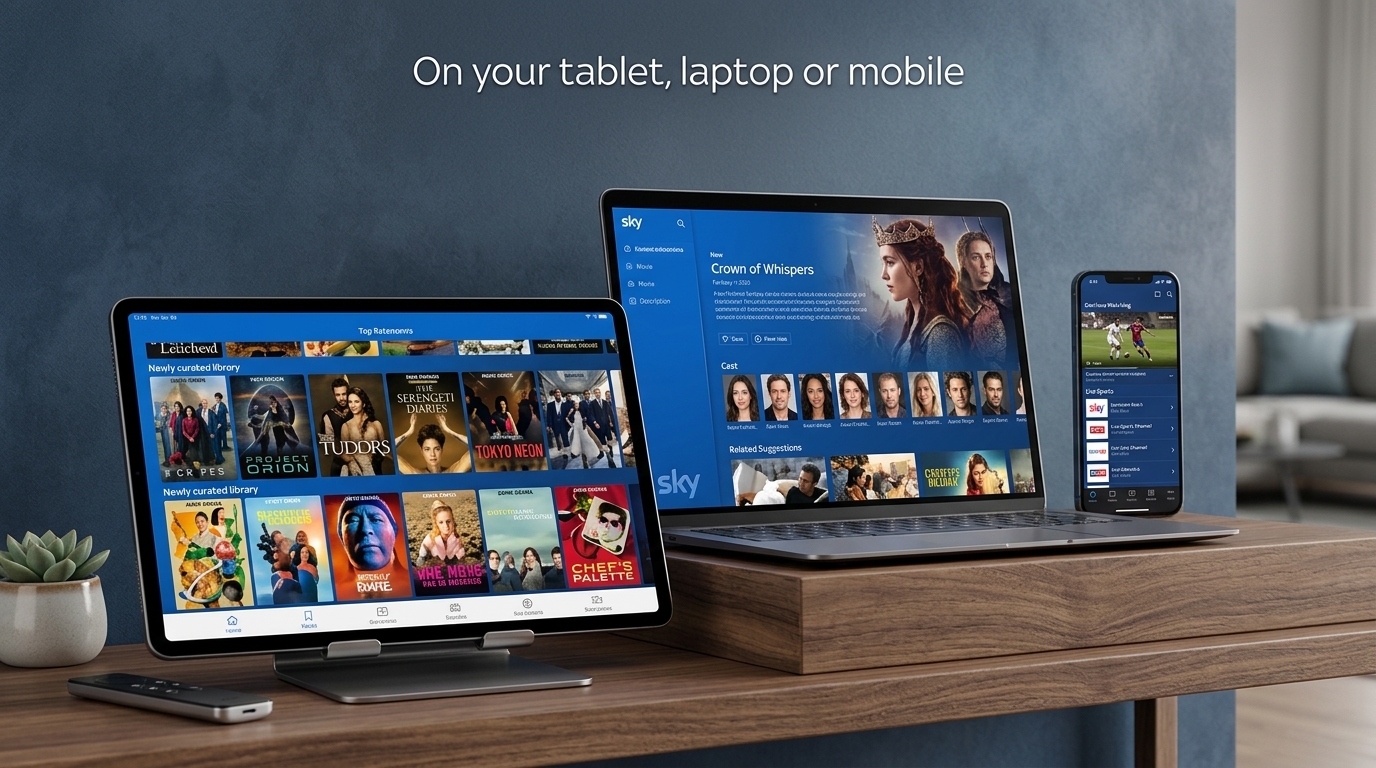
The Sky Go App lets Sky TV customers watch supported content away from their main television. You can use it for live channels, catch-up shows, and on-demand programmes included with your Sky package. Device support now depends more heavily on the type of Sky TV service you use. Sky separates help for Sky Go on Sky Q and Sky+, and Sky Go for Sky Glass and Sky Stream.
This guide explains how the app works in 2026. You will learn how to download Sky Go and which devices support it. We will also cover Windows, Mac, smart TVs, Fire TV devices, and Sky Glass. You will also find simple fixes for common Sky Go app problems. Because Sky can change device support, always check its current help pages before changing hardware or subscriptions.
What Is the Sky Go App and What Does It Do?
Sky Go is a streaming app linked to an eligible Sky TV subscription. The channels and programmes you can watch depend on your package. For example, access to premium movie or sports channels depends on having the matching subscription. Sky also lists different channel availability for the UK and Republic of Ireland. This means two customers may see different content even when using the same app.
Sky Go can be useful when the main television is busy. You might watch a programme on your phone in another room. You can also use a supported tablet or computer when travelling. Some plans and setups allow downloads for offline viewing. Streaming limits also depend on your Sky service and add-ons. Sky says Sky Go and Sky Go Extra customers can normally stream on two devices at once. Some Multiscreen or Whole Home customers have higher limits.
Sky Go App Download and Login
The safest way to complete a Sky Go app download is through Sky’s official website or your device’s official app store. Supported mobile devices include compatible Android phones and tablets, iPhones, and iPads. Sky’s current system requirements also list some desktop computers, consoles, Chromebooks, and Apple TV hardware for supported versions of the service. Requirements can change, so check Sky’s device page before downloading.
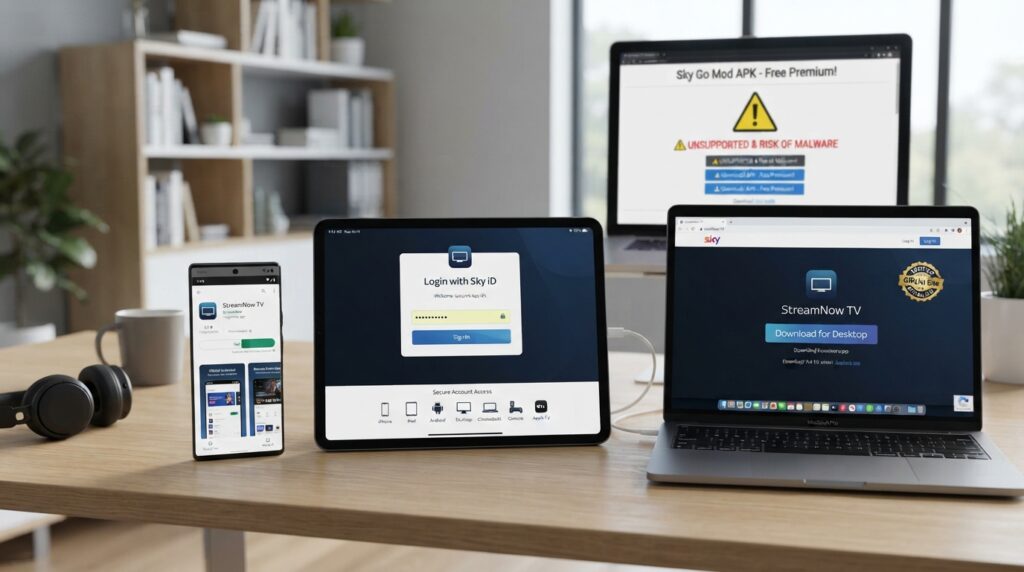
After installation, open the app and sign in with your Sky iD. Your account decides which subscription content you can access. Avoid unofficial downloads that claim to unlock unsupported devices or paid channels. They may not work and could create security risks. If the app rejects your login, check your account details first. Also confirm that your Sky TV service is active and that you downloaded the correct app for your setup.
Sky Go App for Windows, PC, and Laptop
People searching for a Sky Go app for Windows, Sky Go app for PC, or Sky Go app for laptop should first check which Sky service they have. Sky’s system requirements currently list Windows 10 and Windows 11 for its supported desktop Sky Go software. This makes a Windows laptop or desktop a practical option for some Sky Go users.
There is an important 2026 change for Sky Glass and Sky Stream customers. Sky now separates its Glass/Stream Sky Go experience from the older Q/+ service. The new Glass/Stream app became available on supported mobile devices in September 2026. Sky community guidance says that version is not currently offered for Windows or Mac computers. Users should therefore check the Sky support page that matches their TV setup before assuming desktop access will work.
Sky Go App for Mac
Sky’s current device requirements still list desktop Sky Go support for compatible Macs. The published requirements show macOS 11 as the minimum operating system for the listed desktop version. Older Macs may therefore fail to install or run the current software. Before trying repeated fixes, check your macOS version against Sky’s latest requirements.
The same Sky Glass and Sky Stream warning applies here. The newer Glass/Stream Sky Go app is different from the established Sky Go service used with some older Sky setups. Current community guidance says the new Glass/Stream version does not support Mac or Windows. If you search for a Sky Go app for Mac, make sure the instructions match your subscription type. Old guides may describe a version that does not apply to your account in 2026.

Can You Get the Sky Go App on a Smart TV?
Many people ask, can you get Sky Go app on smart TV? The answer depends on the television platform. Sky’s current supported-device list does not show general Samsung, LG, or other standard smart TV platforms as Sky Go devices. Apple TV hardware is listed separately, but its use can depend on the customer’s Sky package and extra subscription options.
This means you should not expect a normal Sky Go app on Samsung TV simply because the television has an app store. Sky community guidance has also stated that Sky Go is not available as a Samsung smart TV app. If your goal is watching Sky on another television, Sky Stream or another supported Sky setup may fit better. Some users can also connect a compatible computer to a television, but playback behaviour can depend on the device and content controls.
Sky Go App on Firestick and Other TV Devices
A Sky Go app on Firestick is another common search. Amazon Fire TV devices are not listed in Sky’s current Sky Go supported-device table. Sky community guidance also says Sky Go does not work as a normal Fire TV app. You may find unofficial installation instructions online, but those methods are not the same as official Fire TV support.
Apple TV is different because Sky currently lists selected Apple TV models among supported devices. Extra subscription conditions may apply. Sky guidance says Apple TV use can need Sky Multiscreen or Whole Home, depending on the customer’s setup. Before buying a streaming device just for Sky Go, check the latest Sky requirements. A device being capable of streaming video does not automatically mean Sky Go supports it.
Sky Go App Update and Sky Glass Changes in 2026
Sky made an important change for Sky Glass and Sky Stream users in September 2026. Its help system now clearly separates Sky Go (Glass/Stream) from Sky Go (Q/+). The newer Glass and Stream version has been released for supported Apple iOS and Android mobile devices. Community information published during the release says it is not currently available for Windows, Mac, or Apple TV.
This distinction matters when you search for a Sky Go app update Sky Glass. A guide written for Sky Q may give the wrong steps for a Glass customer. Sky Glass itself already has Sky built into the television and streams over broadband. Sky says Glass customers can also use Sky Go on supported devices for content included with their TV package. Always choose support instructions marked for your Sky platform rather than following old generic Sky Go advice.

Sky Go App Not Working: Simple Fixes to Try
If the Sky Go app is not working, start with the easiest checks. Close the app fully, then open it again. Restart your phone, tablet, computer, or streaming device. Check that your internet connection works in another app. You should also check for an app update and confirm your operating system still meets Sky’s requirements. If the problem affects several devices, check Sky’s service information before changing settings.
For Windows or Mac problems, reinstalling can also help when the app files become damaged. Sky’s own troubleshooting guidance suggests restarting the application and computer before reinstalling. It also warns that uninstalling can remove downloaded programmes stored on that device. If the app opens but certain channels do not appear, check your subscription rather than reinstalling repeatedly. Channel access depends on your Sky TV package.
Common Sky Go Mistakes That Can Waste Time
One common mistake is trying to install Sky Go on any device with an app store. Sky supports specific platforms rather than every internet-connected television or streaming stick. This causes confusion with Samsung TVs and Fire TV devices. Another mistake is following old instructions without checking whether they refer to Sky Q, Sky+, Glass, or Stream. That matters more after the 2026 Glass/Stream app changes.
Device limits can also cause unexpected errors. Sky says Sky Go Q/+ customers can register up to six compatible devices. New devices may replace older registered devices under certain conditions. Streaming limits are separate from device registration, so having several registered devices does not mean they can all stream at once. If you share Sky Go within your household, check both the registered-device list and the concurrent streaming rules.
Frequently Asked Questions
Is Sky Go free for Sky customers?
Sky Go is available with eligible Sky TV subscriptions, but available content depends on your package. Some extra features or device options can depend on services such as Sky Go Extra, Multiscreen, or Whole Home.
Can I use Sky Go without Wi-Fi?
You can use mobile data on supported mobile devices where the service permits it. Downloads may also let eligible users watch selected content offline. Data charges can apply when you stream through a mobile network.
Can I watch Sky Go outside the UK?
Availability abroad depends on Sky’s current location and viewing rules. Do not assume that the same channels and features will work in another country. Check Sky’s official travel guidance before leaving.
Why can I see a channel on my TV but not Sky Go?
Not every channel or programme has identical streaming rights. Your location and Sky package can also affect availability. Check Sky’s current Sky Go channel list when something seems missing.
Does deleting Sky Go cancel my Sky subscription?
No. Removing an app from a device is different from changing your Sky account or TV subscription. Manage subscription changes through Sky’s official account services.
Should I download Sky Go from a third-party website?
Use Sky’s official download route or your device’s trusted app store. Third-party files may be outdated, unsupported, or unsafe. They may also fail after a Sky update.
Final Thoughts
The Sky Go App remains a useful way to watch eligible Sky TV content away from your main screen. The most important step in 2026 is checking which Sky setup you use. Sky Q and Sky+ customers may have different device options from Sky Glass and Sky Stream customers. Windows, Mac, mobile, Apple TV, and console support can also differ.
Before you download Sky Go, check Sky’s current device requirements and your subscription. Do the same before buying a smart TV or streaming stick for Sky Go. If the app stops working, start with updates, restarts, account checks, and official troubleshooting. These simple checks can save time and help you avoid outdated instructions.
Disclaimer
This article is for general information and was written with AI assistance. Sky’s apps, device support, subscription rules, and features may change. This guide may not cover every account or device. Check important or current details through Sky’s official website or another trusted source before relying on them.