

Food waste is a major problem in many homes. People often throw away items they do not use. This hurts the environment and wastes money. The Olio app offers a simple solution for this issue. It connects neighbors who have spare food. You can give away items or find free things. Many users ask what is olio app exactly. It is a sharing platform for local communities. This guide explains how it works in detail.
You will learn how to set up your account. We cover the steps for listing items clearly. You will see how to request food safely. The process is designed to be easy and fast. We also discuss safety tips for meeting strangers. Understanding the rules helps you avoid problems. Read on to start sharing with your neighbors. You can help reduce waste in your area today.
Understanding the Core Purpose of Olio
The main goal of the app is to share resources. It focuses on preventing food from going to landfill. Users post photos of items they do not need. These can be groceries, homemade meals, or plants. Other people nearby can see these listings instantly. They request the item if they want it. The giver then arranges a pickup time and place. This keeps useful goods in circulation longer.
Olio also includes non-food items in some areas. You might find books, toiletries, or household goods. The community decides what is appropriate to share. The app encourages kindness and connection between neighbors. It builds trust within local neighborhoods over time. Many users feel good about helping others. It turns waste into a resource for someone else. This simple act has a positive environmental impact.

Setting Up Your Profile and Account
Download the Olio app from your device store. It is available for both iOS and Android phones. Open the app and click the sign-up button. You will need to provide an email address. Create a secure password for your account. Verify your email by clicking the link sent. This step confirms that you are a real person. It helps keep the community safe from bots.
Next, you should complete your user profile. Add a clear photo of yourself if possible. This helps other users recognize you during pickups. Write a short bio about your interests. Mention that you are new to the app. Being friendly encourages others to interact with you. Check your location settings for accuracy. The app uses this to show nearby listings. Ensure your privacy preferences are set correctly.
How to List Items for Giving Away
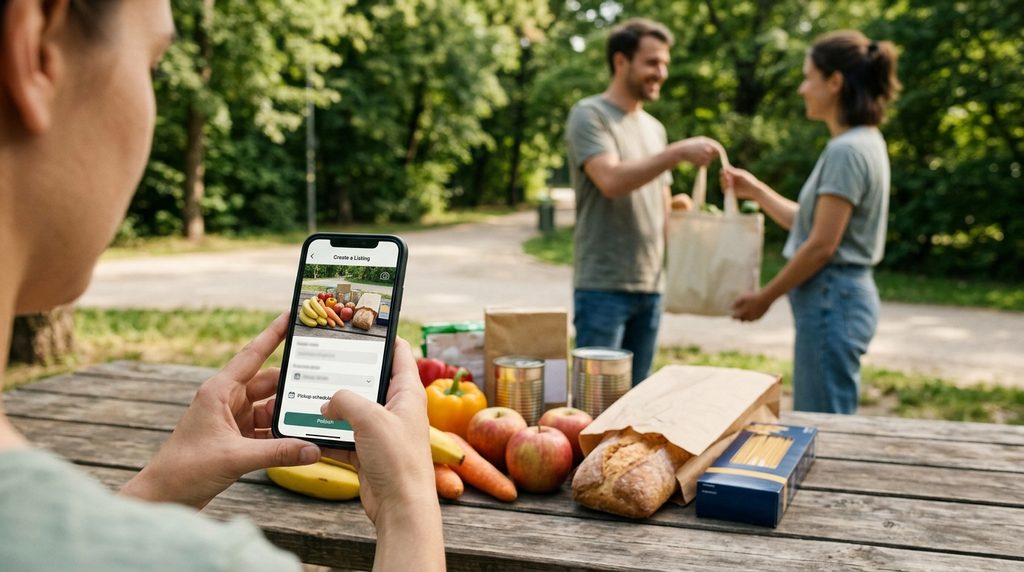
Taking a good photo is very important. Clear images attract more requests from users. Use natural light to make the item look fresh. Show the packaging and expiration dates clearly. Write a honest description of the condition. Mention if the item is open or sealed. State the reason for giving it away briefly. This builds trust with potential receivers.
Set the pickup details carefully in the app. Choose a specific date and time window. Select a public meeting place for safety. Popular spots include local parks or shop fronts. Avoid giving out your home address initially. Wait until you know the person better. Mark the listing as active to publish it. You will receive notifications when people request it. Respond quickly to confirm the arrangement.
Finding and Requesting Free Items
Browse the feed to see available items nearby. The app sorts listings by distance from you. Tap on any photo to view full details. Check the description for allergens or conditions. If you want the item, click the request button. Send a polite message to the giver. Introduce yourself and confirm you can collect. Wait for the owner to approve your request. Do not send multiple requests for one item.
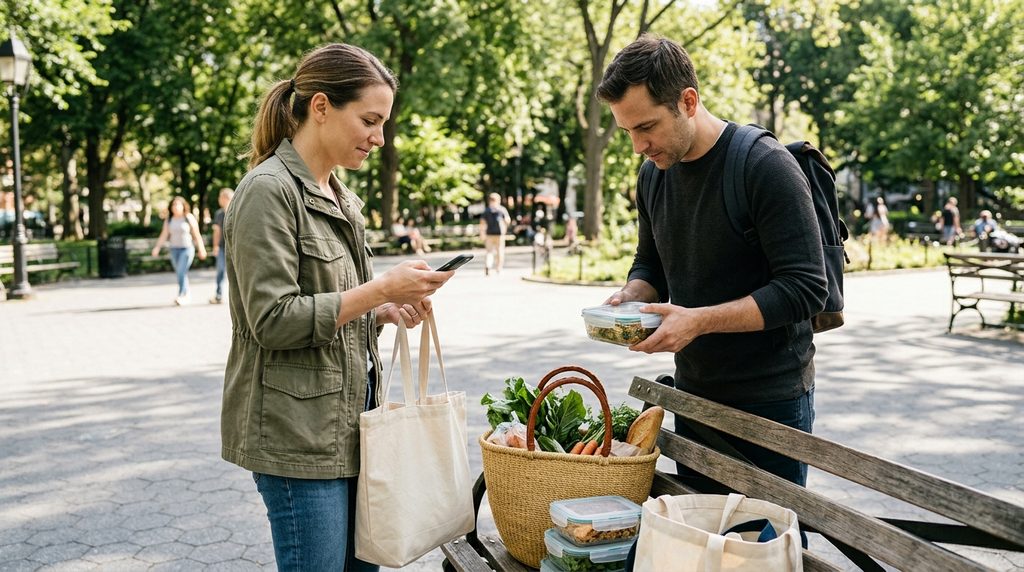
Once approved, arrange the pickup time promptly. Message the giver to agree on a slot. Be punctual and respectful of their schedule. Bring a bag to carry the items away. Meet at the agreed public location safely. Thank the giver for their generosity warmly. Rate the transaction in the app afterwards. This feedback helps build community reputation. It ensures everyone behaves responsibly on the platform.
Safety Guidelines for All Users
Safety is a top priority for Olio users. Always meet in well-lit public places first. Tell a friend or family member where you go. Share your live location with someone trusted. Do not invite strangers into your home initially. Trust your instincts if something feels wrong. Cancel the meetup if you feel unsafe. Report any suspicious behavior to the app team. They take security concerns very seriously.
Check food items carefully before consuming them. Look for signs of spoilage or damage. Smell dairy and meat products thoroughly. When in doubt, throw it out safely. The app does not guarantee food quality. Users share at their own risk primarily. Be cautious with homemade meals from strangers. Ask about ingredients if you have allergies. Responsible checking prevents health issues later.
Common Issues and Troubleshooting Tips
Sometimes the app may not load listings. Check your internet connection first. Switch between Wi-Fi and mobile data. Restart the app if it freezes completely. Clear the cache in your phone settings. This fixes many minor technical glitches. Ensure your app version is up to date. Older versions may have compatibility bugs. Contact support if problems persist for long.
Users may face no responses to listings. Try posting at different times of day. Evening hours often see more activity. Improve your photo quality for better appeal. Write more detailed descriptions for clarity. Be patient as community growth takes time. Rural areas may have fewer active users. Consider joining nearby town groups instead. Engaging with others increases your visibility significantly.
Frequently Asked Questions
Is the Olio app free to use for everyone?
Yes, the basic features of the app are free. You can give and receive items without paying. There are no hidden charges for standard users. Some business services may have separate fees. But individual neighborhood sharing remains cost-free. This makes it accessible to all income levels. Download it without worrying about subscription costs.
What types of items can I share on Olio?
You can share most unused food items. This includes vegetables, bread, and canned goods. Non-food items like toiletries are also allowed. Plants and garden produce are popular too. Avoid sharing alcohol or tobacco products. Check local guidelines for restricted items. Homemade food should be labeled clearly. Always prioritize safety and hygiene when listing.
How does Olio verify user identities for safety?
The app uses email verification during sign-up. Phone number linking adds another layer of security. User ratings help identify trustworthy members. Report features allow community policing of bad actors. However, it does not perform criminal background checks. Users must still exercise personal caution. Meeting in public places is strongly advised. Trust is built through consistent positive interactions.
Can businesses use Olio to give away stock?
Yes, many local shops and cafes use Olio. They list surplus food at the end of the day. This helps them reduce waste and costs. Businesses may need a specific account type. Check the official website for business options. This feature supports local sustainability efforts greatly. Consumers get high-quality items for free. It is a win-win situation for all parties.
What should I do if an item is spoiled?
Report the issue to the giver immediately. Send a polite message with a photo. Explain why the item was not usable. Most users will apologize and improve next time. Rate the transaction honestly in the app. This warns other users about potential risks. Do not consume spoiled food under any circumstances. Dispose of it safely according to local rules.
Is Olio available in rural areas outside cities?
Availability depends on local user density. Cities have many active participants daily. Rural areas may have fewer listings initially. You can invite neighbors to join the app. Growth happens slowly in less populated regions. Check the map feature for nearby activity. Consider expanding your search radius slightly. Patience is key in developing rural networks.
Final Thoughts
Using the Olio app helps reduce global waste. It connects people through simple acts of sharing. You save money and help the environment simultaneously. The process is straightforward and user-friendly. Start by listing one small item today. See how your neighbors respond to your offer. Building community ties takes time and effort. But the rewards are worth the initial investment.
Stay active and engaged with the platform regularly. Respond to messages promptly and politely. Follow safety guidelines for every single meetup. Your positive behavior encourages others to join. Together, we can make a significant difference. Share this knowledge with friends and family. Let us work towards a zero-waste future. Every shared item counts towards a greener planet.
Disclaimer
This article is for general information purposes only. It was written with AI assistance to provide clarity. App features and community rules change frequently. This content may not cover every specific situation. Readers should check the official Olio website for current details. Always prioritize personal safety when meeting strangers online.