

Hey there, my good friend. Let us talk about something really fun. Sometimes you see a nice picture or a happy video on Instagram and you want to keep it. Taking a screenshot means you press some buttons on your phone to make a copy of what is on the screen. In 2026, lots of kids and grown-ups do this every day. This nice guide will show you easy ways to do it step by step. You will learn how to save stories that go away fast, fun reels that move, messages with friends, and pretty posts. We will also talk about being kind and safe. Come sit with me like we are best pals, and I will explain everything in a soft, happy way.
Why People Need to Screenshot on Instagram
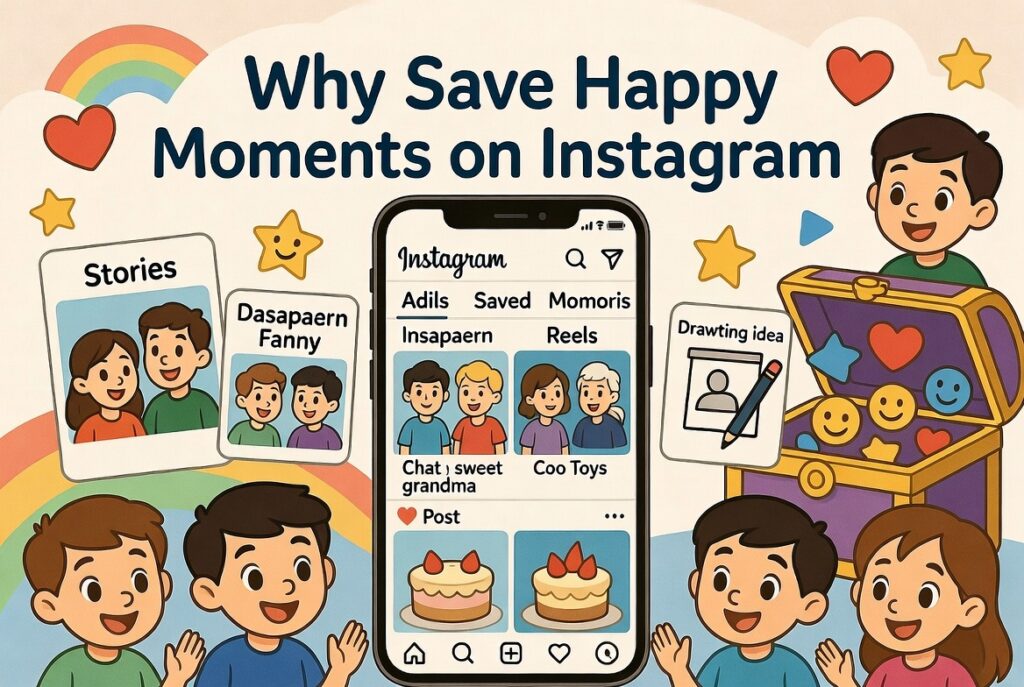
People like to save things on Instagram for many happy reasons. You might want to keep a funny face your friend made in a story before it disappears. Or you see a cool toy in a short video and want to show your mom later. Some kids save sweet words from chats with grandma. Others keep pictures of cakes they want to bake one day or ideas for drawing time at school.
Instagram has some pictures and videos that go away after a little while. That is why saving a copy with a screenshot feels so good. It lets you look back at happy times whenever you want. The app also has rules to keep things private. Learning a good way to save stuff helps you feel safe and happy while you play on the app. This way, you make good memories that last.
Does Instagram Notify Screenshots in 2026?
You might wonder if Instagram tells the other person when you save their picture. Here is the nice part. In 2026, Instagram stays very quiet for most things. You can save regular posts, stories, moving reels, and normal chat pictures without the other person knowing at all. No little message pops up to tell them.
The only time Instagram lets the other person know is if you save a special disappearing picture or video in a private chat. Those are the ones that say “look once” or use a secret mode. For everything else, it is okay and quiet. This makes it easy to save fun things without worry. You can enjoy the app like a big playground and keep what makes you smile.
Preparation Before Taking Screenshots
Before you start saving pictures, it is smart to get your phone ready like a little helper. First, go to the place where you get new apps and see if Instagram needs a fresh update. A new update makes everything work better and smoother. Next, check if your phone has enough space to hold new pictures. If it is full, you can move some old games or photos to make room.
On phones that use the green robot system, go into the settings and say yes when Instagram asks for space to save things. On phones with the apple, check the same kind of settings. Turn on easy moves like tapping the back of the phone if your phone can do that. These small jobs only take a minute but make saving pictures feel like magic. After you do this, you are all set for happy screenshot time.
Method 1: Taking Screenshots on Instagram Using Built-in Device Tools
The very easiest way to learn how to take a screenshot in Instagram is with the buttons that are already on your phone. These work great when you are looking at fun things in the app.
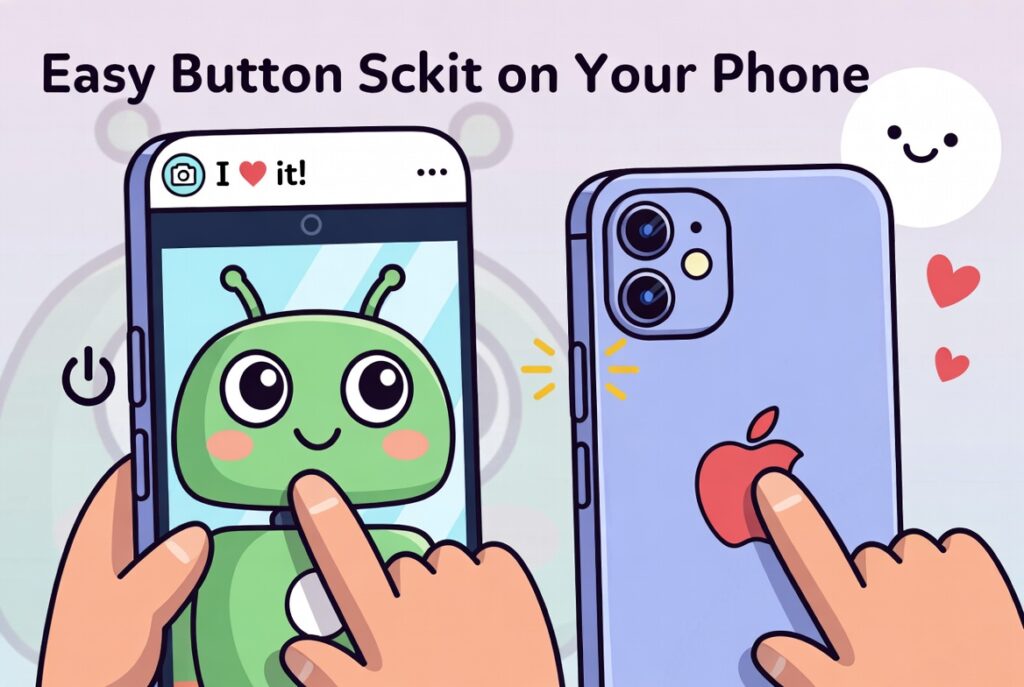
For phones with the green robot, press the button that turns the phone on and the button that makes sound lower at the same time. Hold them for one quick second. The screen will flash like a camera, and the picture goes to your photo book. Open Instagram, find the nice post or story, and do this fast press. It catches exactly what you see.
For phones with the apple, press the side button and the up sound button together. The screen lights up, and a small copy shows in the corner. You can touch it to cut the sides or draw a smiley face if you want. These phone buttons are fast friends that work every single time. Lots of people love them because you do not need anything extra. Just your phone and happy fingers.
Method 2: How to Screenshot Instagram Stories Without Notification
Stories are the short pictures and videos that go away after one day. Many friends want to keep them quietly. Since Instagram does not tell anyone about normal stories, you can use the same easy button way from before. Open the story, wait until it shows clear, and press the buttons.
For special chat pictures that disappear, some kids turn on the airplane sign first. This stops the phone from talking to the internet for a short time. Load the picture, turn on the airplane, take your screenshot, then close the app all the way before turning the airplane off. It is a careful little trick that works well. Always remember to be a good friend and only save things in a kind way. It is best to use your own phone buttons and not strange extra programs.
Method 3: Screenshotting Instagram Posts and Reels
Posts are the big pictures that stay on the app, and reels are the short fun videos that move and play music. They are nice to save. Open the app and find the one you like best. Use the same button press as before. For posts that have many pictures one after another, some phones let you take a tall picture that shows all of them together.
If you want a clean picture of a moving reel, stop the video at the best spot first. Then save it with your buttons. This gives you clear and pretty results. For videos you really love, you can also make a short movie copy of the screen. That way you can watch the moving and hear the sound again and again. These easy steps make saving reels feel like picking flowers in a garden.
Method 4: How to Take Screenshots in Instagram DMs
DMs are the private messages you send to your best friends or family. They often have important happy words. For normal text or regular pictures in these chats, you can use your phone buttons right away. Instagram will not tell the other person.
Be very gentle with pictures that disappear after one look or use a secret chat mode. Those do send a note to the friend. In those times, it might be nicer to ask your friend first if you can keep the picture. This shows you care about their happy feelings. Saving sweet plans or kind notes from normal chats helps you remember good days with the people you love.
Method 5: Using Instagram’s Built-in Features and Alternatives
Instagram has its own nice ways to keep things without always using screenshots. You can tap a little bookmark shape to save posts inside the app just for you. This keeps everything safe and private. For the moving reels, the record screen button on your phone is a great friend.
On the green robot phone, pull down from the top to find the record button and start it. On the apple phone, open the quick control place and tap the record circle. These own tools often feel softer and easier than regular saves. They give you another warm choice when you want to hold onto special moments.
How to Take Screenshots on Instagram Web/Desktop
Some kids and families use Instagram on the big computer screen too. Open your web place and go to the Instagram page. Sign in with your name and secret word. To save a post, press the special print button on the keyboard or use the cut tool that comes with the computer.
On window computers, the cut tool lets you pick exactly the part you want. Apple computer friends can press some keys together to choose the area. These computer ways are perfect when you sit at a table and want really big and clear saves. It feels like using a bigger camera for your favorite pictures.

Editing and Organizing Your Instagram Screenshots
After you take a nice screenshot, you can make it even prettier. Open the picture in your phone’s photo place. Cut away the parts you do not need so only the best part shows. Make the light brighter if it looks too dark. Many phones let you draw hearts or write kind words on top.
Make special boxes in your photo book called “Happy Instagram Times” or “Fun Ideas.” Put your new pictures there right after you save them. This keeps everything tidy and easy to find on rainy days when you want to smile. Over time, you will have a big warm collection of good memories that feel like a treasure box.
Common Problems and Troubleshooting
Sometimes the save does not look perfect at first. If the picture is fuzzy, hold your phone very still next time or wipe the screen clean. If the button does not work, close the Instagram app all the way and open it fresh. If your phone says no more space, take out some old pictures to make room.
Little app troubles usually get better with a new update or by turning the whole phone off and on again. If a message seems wrong, check that you are not in the secret chat mode. These small helps work for most kids and make everything happy again fast. With a little wait and try, you will be saving pictures like a pro.
Privacy and Legal Considerations
It feels warm in your heart to think about other people when you save pictures. Always be kind and only keep things for your own happy eyes. Sharing someone else’s picture without asking can make them feel sad or break big rules about who owns the picture.
Instagram wants all kids to play safe and have fun. Think in your mind if your friend would like you keeping their post. When you are not sure, send them a nice message first. Following these soft ideas keeps your account good and helps everyone on the app stay like good neighbors.
Advanced Tips and Tricks for Better Screenshots
After you learn the easy ways, you can try some bigger fun ideas. Some phones let you set a clock so the screenshot happens by itself when everything looks just right. Zoom in close before you press to get super clear pictures. Use safe outside helpers only if your mom or dad says they are okay, but your own phone buttons are usually the very best.
Creative kids use saved pictures to make big boards for school stories or little shop ideas. You can put many pictures together like a puzzle to make one big happy page. These smart little tricks help you get more joy from every save without spending too much time.
Frequently Asked Questions
Can I save Instagram stories without anyone knowing in 2026?
Yes, Instagram stays quiet for normal stories. Use your phone buttons and feel safe.
Does the airplane trick still help with special chat pictures?
It can be a careful step. Load the picture, turn airplane on, save it, close the app, then turn airplane off. Use it with a kind heart.
What is different between green robot phones and apple phones?
They both work with their own button presses. Just learn the right ones for your phone, and you will do great.
How do I save a very long post all in one picture?
After the first save, look for the tall picture button that shows up. Tap it to catch more of the page.
Is it okay to save moving reels?
Yes, it is. Make a screen movie for the moving parts or a still picture for quiet moments. No one gets told.
What if my saved picture looks not so good?
Make sure the screen is bright and the app is all loaded. Fix it after with your edit tools to make it nice.
Can I save pictures on the big computer Instagram?
Yes, the web place has easy keys and tools that make big clear copies.
Are strange extra programs safe?
Many can cause trouble with your account, so it is better to use the buttons on your own phone.
Conclusion
Now you know so many kind ways for how to take a screenshot in Instagram. From fast button presses to getting ready and making pictures pretty, each way fits what you need. Choose the one that feels best for you right now.
Remember to stay gentle, think about friends’ feelings, and enjoy all the pretty things you save. Instagram changes a bit as time goes by, so keep learning with a happy open mind. You are doing a wonderful job, and your saved memories will make you smile big. Go have lots of fun catching all the joy on your phone.
Disclaimer
This guide is just to help you learn in a safe way. It shows what many people do. Always be nice to others, follow the rules of the app, and use everything in a good way. Pictures belong to the people who made them, so think about that when you save or show them.