

Hello there, friend! Today we are going to talk about a very helpful tool called the Chime app. If you have ever wondered how grown-ups manage their money on their phones, this guide is for you. Managing money can feel a little scary at first. That is totally normal! Chime is designed to make banking simple and friendly for everyone. Grab a cozy seat, and let us explore how it works together.
What Is Chime and How It Works
Chime is a special kind of bank that lives entirely on your phone. It does not have physical buildings with heavy doors that you can walk into. Instead, it is a digital app that you download to your smartphone. This means you can check your balance while sitting on your couch. You can also send money to friends while waiting at the park. It acts just like a traditional bank, but everything happens through a bright screen.
The creators of Chime wanted to make banking stress-free. Traditional banks often charge fees just for keeping your money safe. Chime decided to do things differently. They do not charge monthly service fees for basic accounts. Because of this, people can keep more of their hard-earned cash in their pockets. It feels like having a helpful financial helper right in your pocket.

Getting Started With Your Account
Signing up for Chime is actually quite easy. First, you need to download the app from your phone’s app store. Next, you will open the app and tap the sign-up button. The app will ask you for some basic information. You will need to type in your full legal name and your home address. You also need to provide your birthday and your Social Security number.
After that, Chime will check your details to make sure you are really you. This keeps your account safe from bad actors. Most people get approved in just a few short minutes. Once your account is ready, Chime will mail you a plastic debit card. This card arrives in your mailbox in a plain white envelope. You can use it to buy groceries or pay for gas just like any other bank card.
Putting Money Into Your Chime Account
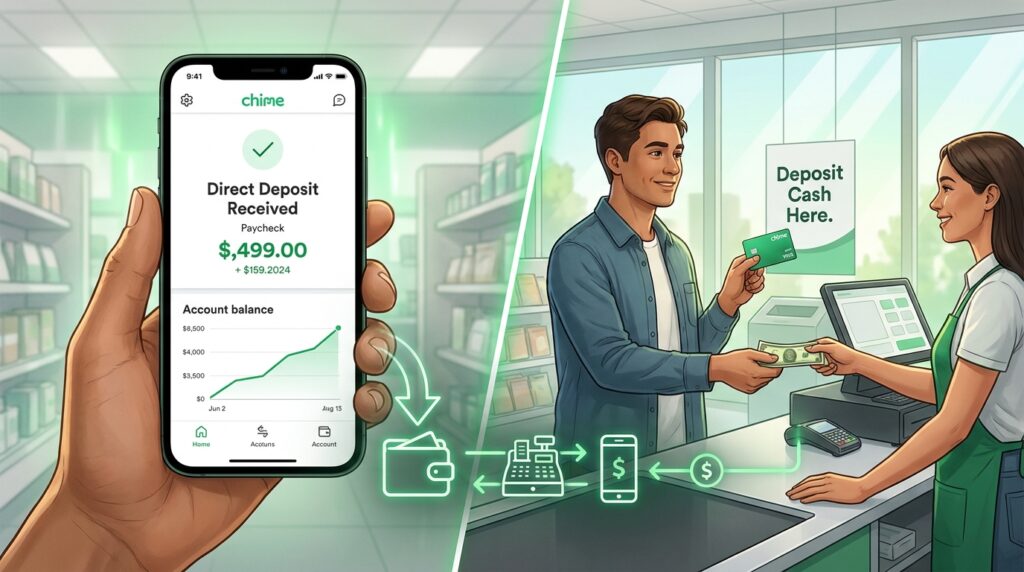
Once your account is set up, you need to put money into it. One easy way to do this is through direct deposit. This means your job sends your paycheck straight to your Chime account automatically. Another thing is that Chime can sometimes give you your paycheck two days early. That is a nice bonus if you need to buy supplies before the weekend.
You can also deposit paper cash into your account. To do this, you visit a partner store like Walgreens or Walmart. You hand your cash to the cashier at the register. Then, they swipe your Chime card and load the money onto it. After a short moment, the funds appear in your app. This makes it simple to turn physical dollar bills into digital money.
Spending Money With Your Debit Card
Your new Chime debit card is your key to buying things. You can swipe it at grocery stores, clothing shops, and gas stations. Also, you can type your card numbers into websites to buy items online. Every time you buy something, the money leaves your Chime balance right away. This helps you see exactly how much you have left to spend.
Security is very important when you use a card. If you ever misplace your card, do not panic. You can open your Chime app and freeze your card instantly. This stops anyone else from using it while you look for it. If you find it under the couch, you can unfreeze it with one tap. That is much faster than calling a bank hotline.
Saving Money Without Even Trying
Saving money is hard for almost everyone. Chime includes fun features that make saving a breeze. One feature is called Save When You Get Paid. With this tool, Chime automatically moves a tiny bit of your paycheck into savings. You do not even have to think about it. Over time, those tiny amounts grow into a nice pile of cash.
Another fun tool is called Save When You Spend. Every time you buy a sandwich or a toy, Chime rounds up the price to the next dollar. For example, if your lunch costs four dollars and fifty cents, Chime rounds it up to five dollars. The extra fifty cents goes straight into your savings account. This little trick helps you save extra money without feeling any pain.

Sending Money to Friends and Family
Sometimes you need to pay a friend back for lunch or a movie ticket. Chime has a feature called Pay Friends that lets you do this for free. You do not need cash or a checkbook. You just open the app and type in your friend’s username or phone number. Then you choose how much money to send.
The transfer happens instantly. Your friend gets a notification on their phone right away. This is very handy when you are sharing the cost of a pizza with your buddies. You can also ask friends to send you money if they owe you. It takes away all the awkwardness of borrowing and lending cash.
SpotMe and Overdraft Protection
We all make mistakes and sometimes spend a little too much. Traditional banks charge huge fees when your balance drops below zero. Chime has a clever feature called SpotMe to help you avoid those fees. If you sign up for SpotMe, Chime lets you overdraft your account by a small amount. This means you can still buy your groceries even if you are short by a few dollars.
You do not have to pay interest on this borrowed amount. Chime simply takes the money back out of your next paycheck. This protects you from embarrassing declined card moments at the register. It acts like a friendly safety net for your wallet. Just remember that you have to set up direct deposits to qualify for this feature.
Keeping Your Money Safe and Secure
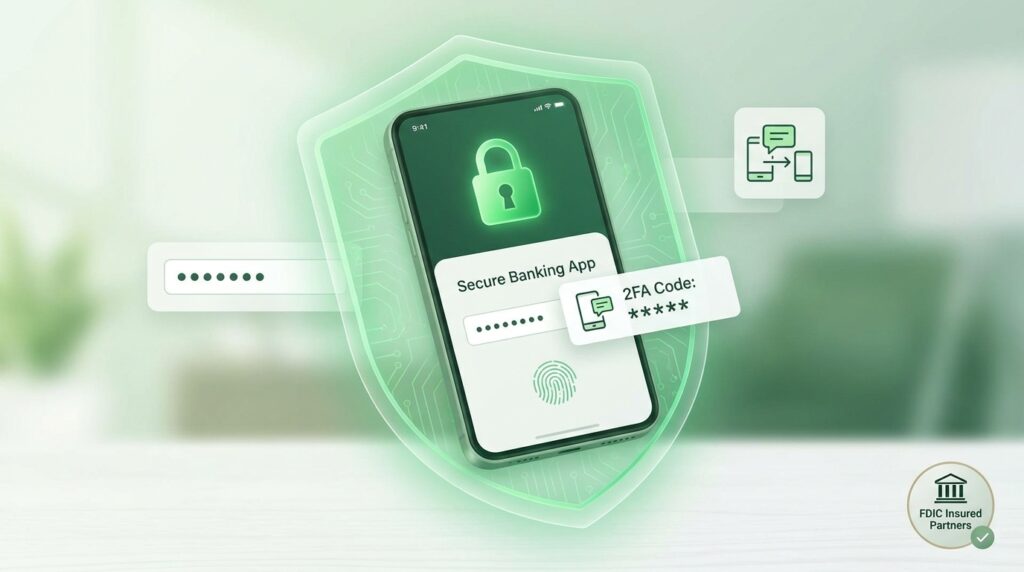
Keeping your digital money safe is Chime’s top priority. They use advanced computer security to lock out thieves. Your password is your first line of defense. You should always pick a strong password that nobody can guess. In addition, Chime uses two-factor authentication. This means the app will text a secret code to your phone when you log in from a new device.
Your money is also insured up to a high limit through partner banks. This means that even if something terrible happens to the company, your cash is still protected by the government. You can sleep peacefully knowing your savings are secure. Always keep your phone locked with a fingerprint or a passcode to add an extra layer of protection.
Frequently Asked Questions
What is the age requirement to open a Chime account?
You must be at least eighteen years old to open an account by yourself. This rule helps keep minors safe and follows federal banking laws. Parents can also look into teen banking options elsewhere if needed.
Does Chime charge any monthly maintenance fees?
No, Chime does not charge monthly fees just to keep your account open. They also do not require you to keep a minimum balance. This lets you save your money for things you actually need.
Can I use Chime to withdraw cash from ATMs?
Yes, you can use your Chime debit card at thousands of partner ATMs. Chime gives you a map in the app to find the nearest free ATM. Using out-of-network ATMs might cost a small fee, so checking the map helps.
What happens if my phone gets stolen?
If your phone is lost or stolen, nobody can access your Chime app without your secret passcode. You can also log into the Chime website from a computer to block your account. This stops anyone from touching your money.
How does Chime make money if they do not charge fees?
Chime makes money when you use your debit card to buy things. Every time you swipe your card, the store pays a tiny fee to the credit card network. Chime gets a small share of that fee from the stores.
Can I get a physical checkbook with Chime?
Chime does not give out traditional paper checkbooks. Instead, they offer a feature called Checkbook. Chime will print and mail a physical check for you through the app if you need to pay someone who only accepts paper checks.
Are there limits on how much money I can spend?
Yes, Chime sets daily limits on spending and cash withdrawals for security reasons. You can spend up to a certain amount each day with your card. These limits protect you if your card ever falls into the wrong hands.
How long does it take to transfer money to another bank?
If you want to move money from Chime to an external bank account, it usually takes one to three business days. Standard transfers are free. You can also pay a small fee for an instant transfer if you are in a big rush.
Conclusion
We have reached the end of our journey today. Chime is a modern banking app that makes handling money much easier. It helps you save automatically and lets you spend safely with your debit card. Banking does not have to be confusing or stressful. With the right tools like Chime, you can take control of your financial future. Thank you for reading along with me today, friend!
Disclaimer
This article is for informational and educational purposes only. The information provided here is based on general knowledge and user experiences as of 2026. It does not constitute professional advice, legal counsel, or an endorsement of any specific service. Features, safety measures, and policies of the Nextdoor app may change over time. Always use your own judgment, verify information independently, and follow local laws when interacting with neighbors or conducting transactions. The author and publisher are not responsible for any actions taken based on this content.